
Learn how real-time 3D helps property developers in Erbil explain spaces, compare design options and complement architectural renders and films.
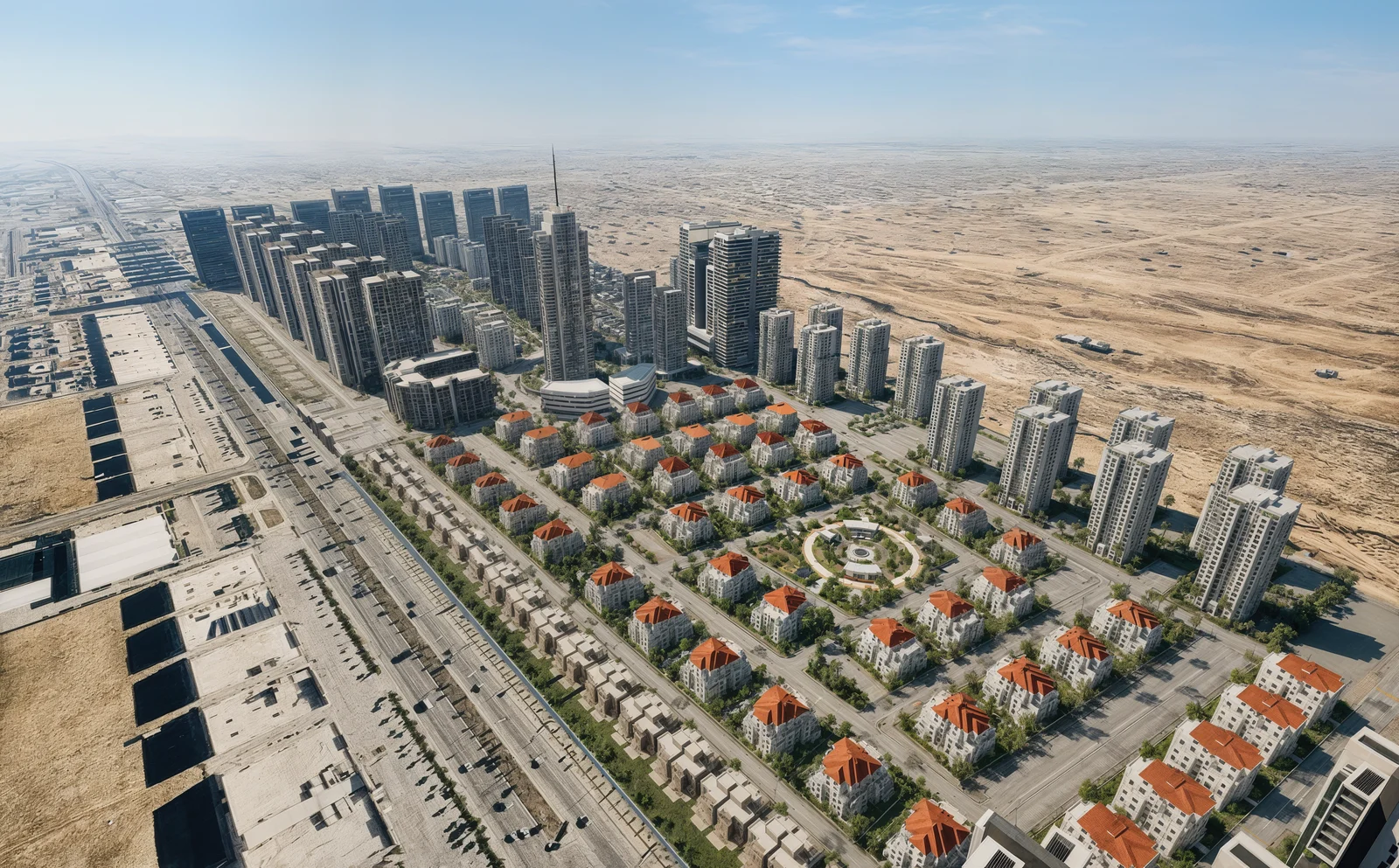
A property presentation has to answer practical questions. What will this space feel like? How does one room connect to another? What can a buyer see from a particular position? A strong architectural render introduces the design, but a single image cannot answer every question that arises during a conversation. For property developers presenting projects in Erbil, real-time 3D offers another way to explain a proposal: let the audience explore it.
Interactive visualization belongs alongside architectural images, films and clear project information. Its value depends on the questions it helps people answer, the accuracy of the model and the conditions in which the presentation will be used.
What is an interactive architectural presentation?
An interactive architectural presentation is a digital environment that responds to a visitor's actions. Instead of following only a predetermined camera sequence, a visitor can choose a viewpoint, move through selected spaces or open information attached to a relevant location. The available controls depend on the brief; not every experience needs a complete walkthrough or a complex interface.
For example, a presentation might move between a building exterior, a shared courtyard and an interior. Another might focus on a single apartment, with clear navigation between rooms. The purpose is to make the design easier to discuss. The experience should direct attention toward meaningful architectural information rather than overwhelm visitors with controls.
How does real-time 3D differ from traditional renders?
An architectural still is composed for one viewpoint. The artist can carefully control framing, lighting and detail to communicate a particular aspect of a space. Stills are useful in brochures, websites, social media and presentations where a consistent image is needed.
A real-time environment generates views as the visitor explores. This flexibility makes it possible to investigate spatial relationships that may be difficult to understand from a small set of images. It also changes the production requirements: geometry, materials, navigation and performance have to work together across the agreed experience.
These formats serve different purposes. A developer may need a small collection of strong stills for a campaign and an interactive environment for longer conversations. Choosing both can be sensible when each has a defined role, rather than expecting one format to do every job.
Where can it help an Erbil property presentation?
Explain the relationship between spaces
Plans describe dimensions and arrangements, while an interactive view can help a visitor understand how those arrangements feel from a human viewpoint. Moving between selected areas can make circulation, entrances and shared spaces easier to discuss. Dimensions, specifications and legal project information still need to come from the developer's approved documents.
Adapt the conversation to the visitor
Different visitors may focus on different features. One may ask about a living area; another may want to understand an outdoor space. A controlled interactive presentation allows the presenter to respond to that interest without restarting an entire film. Clear shortcuts and a reliable reset position are often more useful than unrestricted movement everywhere.
Give a remote audience a useful starting point
A browser-accessible experience can introduce a development before a meeting. It needs straightforward instructions and a clear contact route, especially when visitors use a phone. If the application is streamed, connection quality and session availability matter. A selection of images or a film should remain available when an interactive session is unsuitable.
Where does architectural animation fit?
An architectural film gives the developer control of sequence and pace. It can introduce the setting, move through important spaces and connect architectural details into a coherent story. This makes it useful for launch presentations, campaign films and shorter edits for social channels.
Interactive 3D changes who controls the sequence. A visitor can pause on a particular area or revisit a viewpoint, while the film offers an intentionally directed introduction. A practical content plan can use a film to establish the project, stills to support repeated campaign messages and an interactive experience to support detailed exploration.
Choose the delivery method around the audience
Before production, decide where the experience will run. A presentation operated by a sales team on a dedicated computer has different requirements from a public link opened on many phones. The decision affects image quality, loading, input controls, connection requirements and support.
Unreal Engine is one option for creating real-time environments. With Pixel Streaming, an application can run on a remote machine and send its rendered output to a browser, which sends visitor input back. This avoids asking every visitor to install the full application, but introduces hosting, bandwidth and concurrent-session considerations. The delivery method should be scoped separately from the static marketing website.
How VIST approaches the brief
VIST's architectural visualization services connect architectural stills, animation and interactive 3D. A useful starting brief includes the intended audience, approved architectural material, the spaces to present and the channels on which the work will appear. From there, the team and developer can agree which questions the experience should answer and what each deliverable needs to communicate.
The existing portfolio includes Floria City and Quarter Francis as real-time interactive 3D experiences, with links to their external Arcware applications. Open these examples to inspect the navigation and presentation format directly, and compare them with the needs of your project.
See the architectural visualization service for the current scope, or explore the interactive 3D project collection to compare examples.
What should a developer prepare first?
Start with approved drawings, available models, material references and a list of presentation priorities. Identify who can approve architectural accuracy and who can approve the marketing message. Confirm what is final and what may change, then agree how those changes will be reviewed. This helps avoid building an impressive environment around information that is still undecided.
For a project in Erbil, also consider the languages needed by the intended audience and the devices used during presentations. These choices shape the interface and supporting information. Contact VIST about your property presentation with your current material and intended use. Together, we can define an appropriate combination of images, film and interactive exploration.