
VIST / Interactive 3D Presentations
Interactive 3D Experiences for Real Estate Developers
Give a presentation a route your audience can explore. We discuss the spaces, information and controls your development needs, then define a real-time experience around its viewing context. For developer and marketing teams in Erbil, Sulaymaniyah and the Kurdistan Region of Iraq.
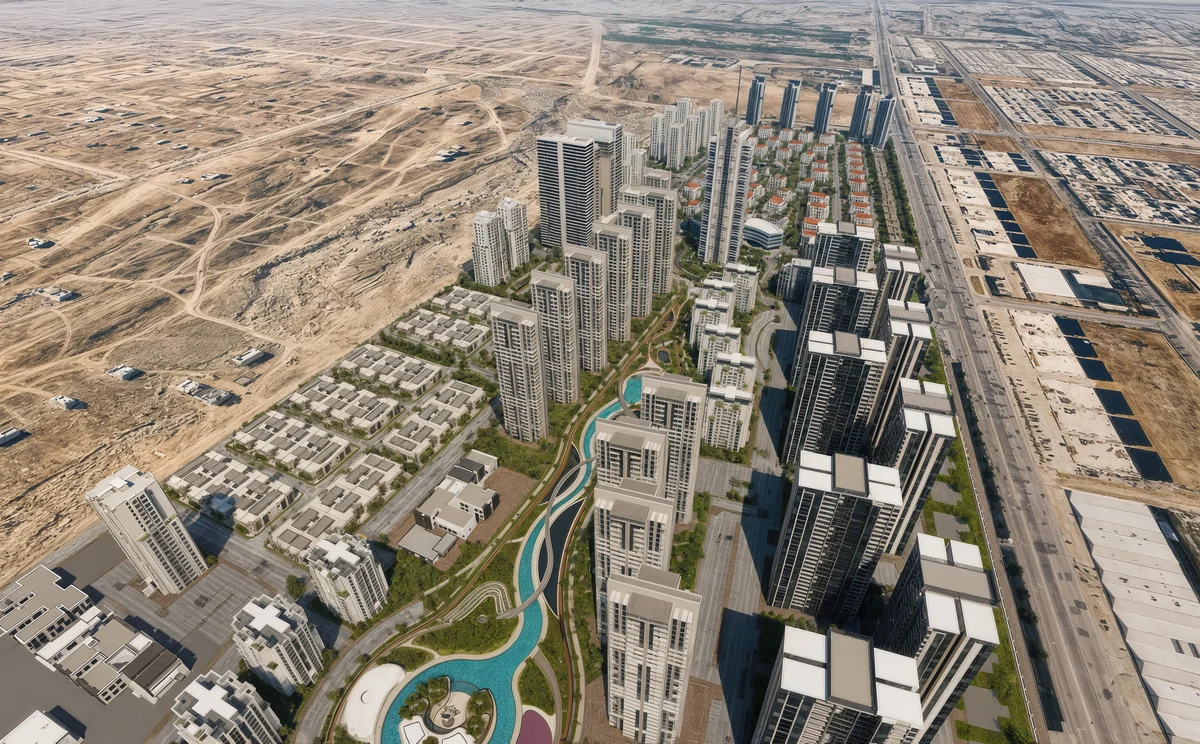
A viewer-controlled presentation
An interactive presentation responds to the controls built for that application. Navigation and information can be organized around a property development, rather than a fixed film sequence. We agree the required actions before production; unit selection, hotspots and material changes are features to scope, not automatic inclusions.
For a sales meeting or an independent visitor
Start with who operates the experience. A representative-led meeting, architectural review and online visit need different explanations and navigation. The aim is to make approved project information accessible and give viewers a clear next step. Sales outcomes depend on much more than presentation technology.
Real-time viewing and architectural animation
A pre-rendered film follows a prepared sequence. Real-time software renders a view in response to supported user input. Both can use architectural visualization, but their production, review and delivery needs differ. Choose the format around the viewing task; an animation is not automatically an interactive walkthrough.
Choose a delivery format
Discuss a compatible local workstation or separately hosted browser streaming. A sales-office touchscreen needs its own interface and device test. VR requires a separate assessment. Unreal Engine and Pixel Streaming are technical options whose suitability, integration and operating arrangements must be confirmed for the specific project.
Bring the approved project inputs
Share current drawings or a model, revision dates, material references, agreed names and the areas to present. Identify proposed details and the person authorized to approve them. Add audience languages, target equipment, intended navigation and any information that changes after launch.
Test the actual viewing conditions
Agree devices, browsers, input methods and network conditions before acceptance. For streaming, confirm access, session capacity, connection recovery and the provider’s availability arrangements. Phone access, concurrent-user limits and continuous operation cannot be inferred from a project screenshot or an engine name.
A presentation with an operating plan
Plan review checkpoints, a sales-team walkthrough and an alternative when the application is unavailable. Name the owners of content updates, application versions and infrastructure. Our project pages retain their render galleries and contact links independently of the external streaming session.
Review relevant work, then define your scope
Floria City and Quarter Francis are existing public references with supplied architectural renders and owner-provided Arcware launch links. Their pages explain what the visitor sees. Confirm any interaction required for your own development in an agreed demonstration; the examples do not establish a universal feature package.
Explore two project presentations
For Floria City and Quarter Francis, VIST built the complete interactive 3D experience, integrated VR and delivered streaming publication. Floria City also included a dedicated server for online presentation. Open each project for its images, delivery scope and launch reference.
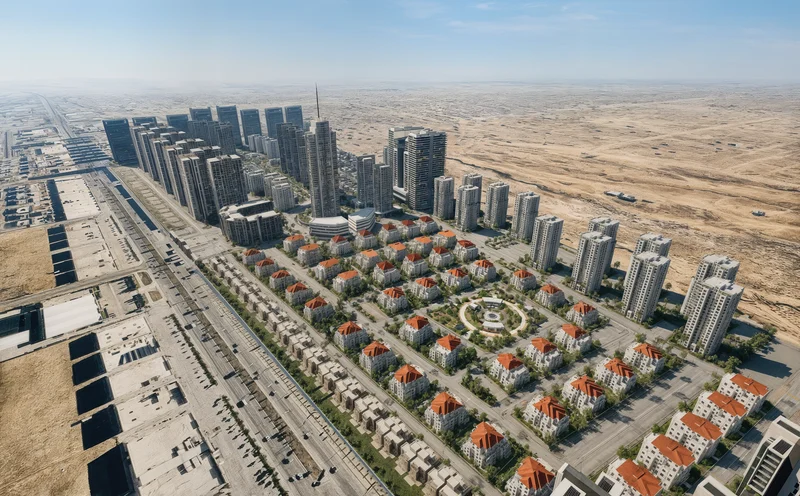
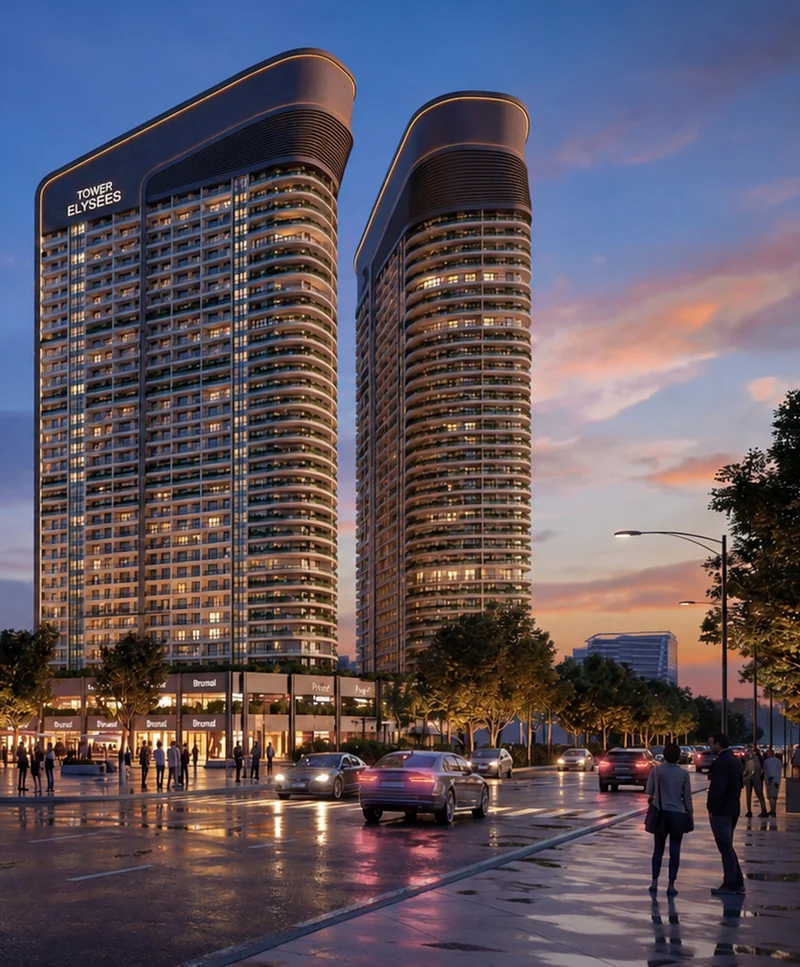
Before commissioning an interactive presentation
Is a render gallery an interactive experience?
A gallery contains fixed images. The interactive application is separate and requires a deliberate launch. The website does not start a stream when this page loads.
Can we use it on phones or a touchscreen?
Compatibility depends on the application, controls and delivery setup. Specify the devices and test the actual experience before claiming support.
Do you guarantee unlimited streaming sessions?
Capacity, availability and access are project-specific infrastructure decisions. Agree them with the provider; no unlimited or 24/7 guarantee is implied here.
How is this different from the visualization service?
The visualization service covers images and films. Interactive work adds a separately scoped application, input behavior and operating environment. Both may share approved architectural source material.
What should we send first?
Send approved project files, viewing goals, required interactions, audience languages and intended devices. We can then discuss the production scope, delivery approach and acceptance checks.